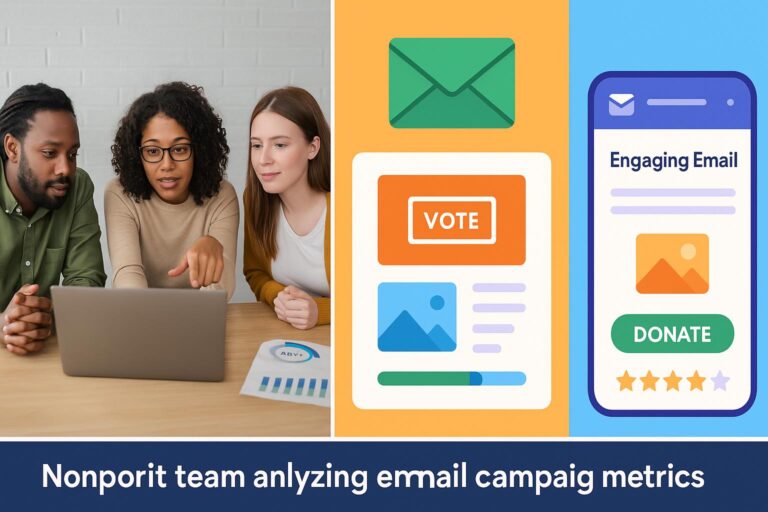
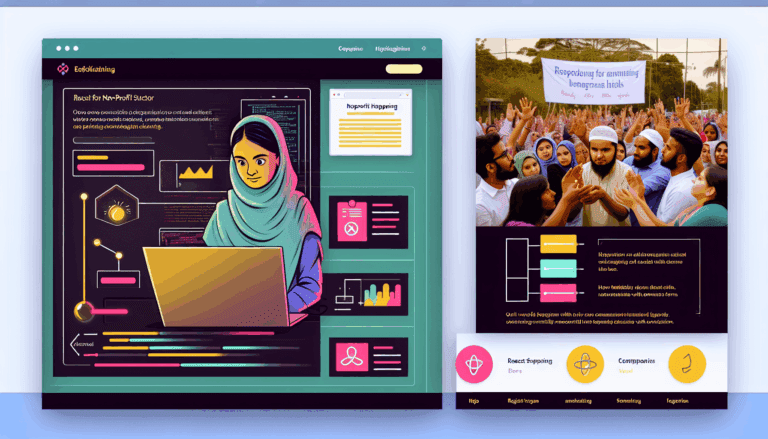
In today’s digital-first world, non-profit organizations must innovate to capture attention and foster community involvement. Leveraging React, a popular JavaScript library, enables marketers and developers to create immersive, interactive campaigns that stand out. This article explores how to harness React for dynamic assets that boost engagement and deepen donor and volunteer connections.
Introduction
Non-profits face fierce competition for attention online. Static campaigns often fall short of inspiring action. Interactive digital assets powered by React can transform passive viewers into active participants, increasing engagement and strengthening community bonds. Understanding how to implement React in your campaigns is crucial for staying competitive in the digital landscape.
Why Use React for Non-Profit Campaigns?
React offers several advantages for non-profit organizations:
- Interactivity: Create engaging quizzes, donation forms, and event registration tools.
- Performance: React’s fast rendering keeps user experience smooth, encouraging longer engagement.
- Component Reusability: Build reusable components for different campaigns, saving time and resources.
- Community and Ecosystem: Access a wide array of libraries and tools to enhance functionality.
Step-by-Step Guide to Building Interactive Campaign Assets with React
1. Set Up Your React Environment
Start with creating a new React app using Create React App:
npx create-react-app non-profit-campaign
cd non-profit-campaign
2. Design Your Interactive Asset
Identify what type of asset will best serve your campaign—interactive map, donation widget, quiz, or storytelling slider. Sketch the UI/UX flow before coding.
3. Develop Reusable Components
Break down your asset into components. For example, a donation form component, a progress bar, or a testimonial carousel. Here’s an example of a reusable button component:
function ActionButton({ label, onClick }) {
return ;
}
4. Implement State and Interactivity
Use React hooks like useState and useEffect to manage interactivity. For example, updating donation totals dynamically:
const [donationAmount, setDonationAmount] = useState(0);

function handleDonate() {
  setDonationAmount(prev => prev + 10); // Increment by $10 for demo
}
5. Integrate with Backend Services
Connect your React app to backend APIs for processing donations, capturing user data, or fetching campaign updates. Use fetch or Axios for HTTP requests.
6. Test and Optimize for Mobile and Accessibility
Ensure your assets are mobile-friendly and accessible to all users. Use tools like Lighthouse for performance and accessibility auditing.
Curated Resources and Tools
- React Official Documentation
- Create React App Tool
- Axios for API Requests
- Web Accessibility Guidelines
- Google Lighthouse
Conclusion
Harnessing React to create interactive assets empowers non-profits to engage their communities more effectively. By following this step-by-step guide, organizations can develop compelling digital experiences that inspire action, foster loyalty, and ultimately advance their mission. Start experimenting today to see how React can transform your campaigns.